

My Expertise in Visual Design
Visual design is more than just aesthetics—it’s about crafting clear, engaging, and meaningful experiences that communicate a brand’s identity and enhance usability. My approach to visual design is rooted in fundamental design principles, trends research, and practical execution across different mediums, from UI design to branding and logo creation.
Core Principles of Visual Design
Every design decision I make is guided by fundamental principles that ensure clarity, functionality, and emotional impact:
Typography & Readability
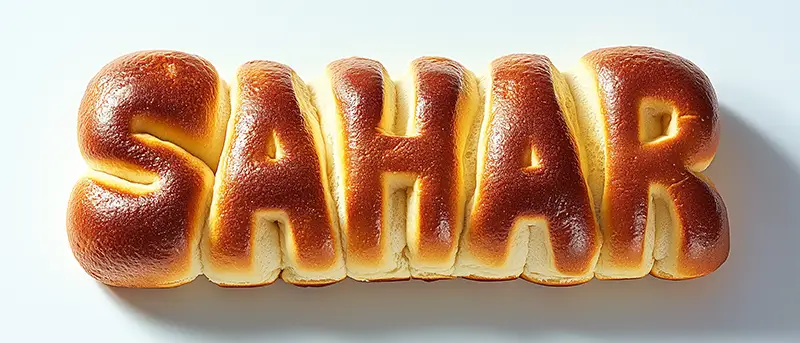
I carefully choose typefaces based on readability, personality, and hierarchy, ensuring a balanced contrast between headlines, body text, and UI elements.
I apply kerning, tracking, and leading adjustments to create a polished and harmonious text layout.
I stay updated on variable fonts, modern typographic trends, and accessibility guidelines to ensure smooth cross-device experiences.
Color Theory & Psychology
I use color psychology to evoke the right emotions and strengthen brand identity.
I create harmonious color palettes using the 60-30-10 rule and tools like Adobe Color, Coolors, and Paletton.
I ensure proper contrast ratios for WCAG accessibility compliance, improving usability for all users.
Layout & Composition
My designs follow key principles such as the rule of thirds, the golden ratio, and visual hierarchy to create aesthetically balanced interfaces.
I leverage grid systems and modular design to maintain consistency across screens and responsive layouts.
I use white space strategically to enhance readability and focus, ensuring a smooth scanning experience.
Iconography & Microinteractions
I design custom icons and illustrations that align with brand identity and enhance usability.
I create subtle microinteractions (hover effects, transitions, and animations) to provide feedback and guide users naturally.
Brand Identity & Logo Design
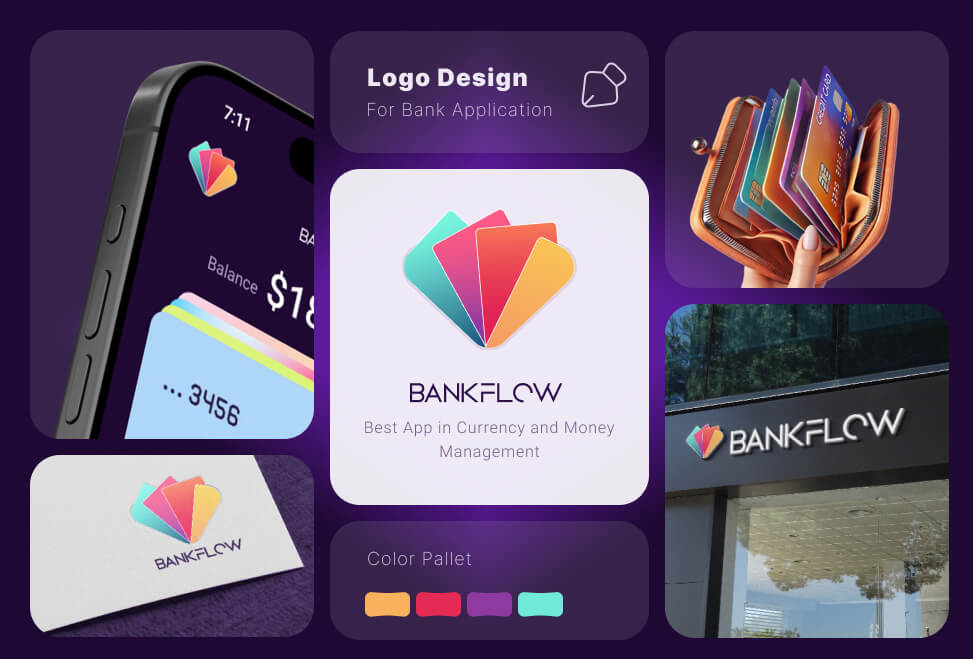
Beyond UI/UX, I specialize in brand identity design, crafting logos and branding systems that are memorable, scalable, and versatile
Logo Design Process
Conduct brand research & competitor analysis to understand market positioning.
Sketch initial concepts based on geometric balance, symmetry, and negative space usage.
Refine concepts using Adobe Illustrator & Figma, ensuring vector scalability.
Develop responsive logo variations (horizontal, vertical, monochrome) for different use cases.
Create a brand style guide covering typography, color schemes, and iconography for brand consistency.
AI-Powered Character Design
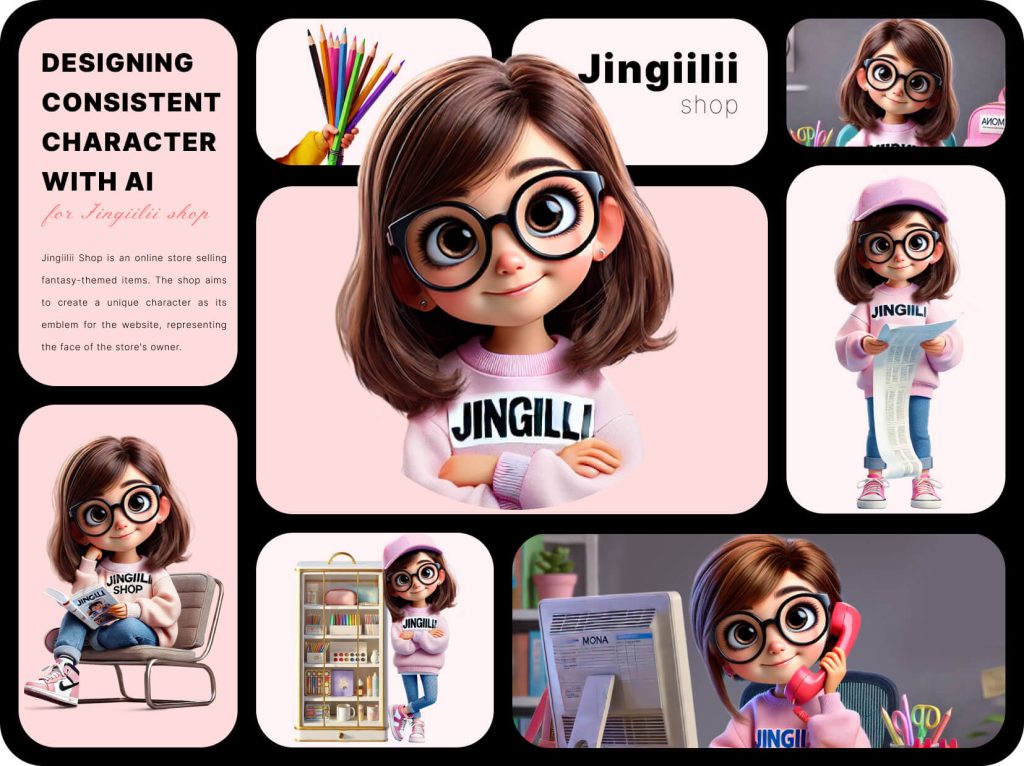
With the rise of AI in creative workflows, I leverage artificial intelligence to design unique, high-quality characters for branding, storytelling, and UI elements. My approach combines AI-generated concepts with manual refinement to ensure characters are visually appealing, contextually relevant, and aligned with the brand identity.
Character Design Process
Define the character’s personality, purpose, and visual style based on brand requirements.
Use AI tools like MidJourney, DALL·E, or Stable Diffusion to generate initial design concepts.
Refine and enhance AI-generated outputs in Adobe Photoshop & Illustrator, ensuring clean shapes, balanced proportions, and expressive details.
Adapt characters for multiple formats (e.g., UI mascots, avatars, marketing illustrations).
Ensure consistency with brand aesthetics by maintaining a cohesive color palette, linework, and shading style.
Where I Find Trends & Inspiration
Great design is about staying ahead of trends while maintaining timeless principles. To keep my work fresh and aligned with modern aesthetics, I regularly explore:
Dribbble & Behance – To analyze top-performing UI designs and emerging visual trends.
Awwwards & Muzli – For inspiration from cutting-edge website designs and animations.
Pinterest & Instagram – To track creative branding and typography trends.
Google Material Design & Apple Human Interface Guidelines – To ensure industry-standard UI consistency.
Design Twitter & Medium Articles – To follow discussions on evolving design practices and tools.
Tools & Execution
Figma & Sketch – For UI/UX design, prototypes, and component libraries.
Adobe Illustrator & Photoshop – For vector graphics, photo editing, and high-resolution branding assets.
After Effects & Lottie – For UI animations and motion graphics.